Customer enquiries
Read the enquiry, copy details, update CRM, write a reply and remember the follow-up. These steps can become one workflow.
For small businesses in Aachen & the region
Enquiries, documents and data should move through your business without constant copying. I connect your existing systems and build practical workflows around your daily work.
Direct contact with Marin Benke · free first conversation · clear project scope
Example workflow · human review where needed
Read the enquiry, copy details, update CRM, write a reply and remember the follow-up. These steps can become one workflow.
Open a PDF, extract information and type it into another system. Extract and check the data automatically; review exceptions yourself.
Transfer bookings between calendar and CRM, send confirmations and follow up. Connect the whole process.
Collect data from several tools, combine spreadsheets and calculate the same report again. Prepare it automatically.
An enquiry becomes a CRM contact and a follow-up task. Choose a scenario to see what happens when data is missing or a system fails.
Runs only in your browser with fictional data. No enquiry is sent and no real CRM, n8n or HubSpot connection is used. Each run starts a new simulation.
Choose a scenario and run the example.
Your CRM, email, calendar, accounting software and forms do not necessarily need replacing. I check available interfaces and connect the gaps, with clear rules for data, permissions and failures.
For businesses in Aachen and the surrounding region. I’m based in nearby Vaals; we can discuss your process in a personal conversation.
The right tools depend on your workflow. Compatibility, licences, access rights and operating costs are checked before an offer.
Two personal development projects: connecting existing systems through calendars, APIs and custom interfaces.
A timetable bridge that prepares schedule changes and cancellations for calendar feeds, with an API and MCP interface for other tools.
Existing information becomes usable in other applications without manually copying each appointment.
A custom MCP interface for retrieving and searching Microsoft Teams channels, messages and conversation context.
MCP lets compatible AI tools access selected information through a defined interface. Access remains subject to account permissions.
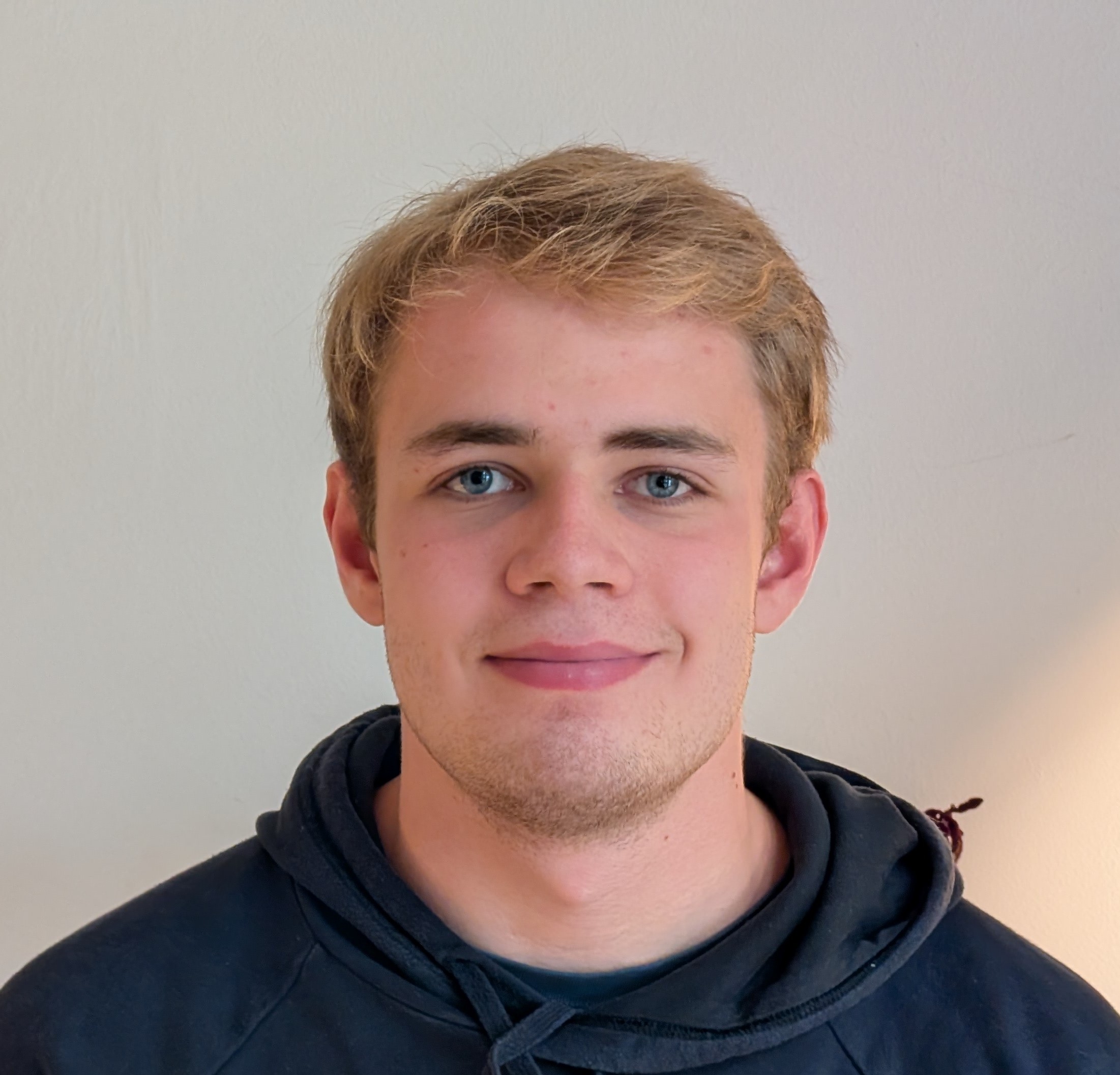
I’m Marin Benke, an independent developer near Aachen. I analyse your process, design the solution and build it myself. You have one direct contact from the first conversation through testing and handover.
Walk me through one recurring task and the systems involved.
Receive a recommendation; scope and price are agreed before implementation.
Connect existing tools or build the missing piece.
Check realistic examples, exceptions and error handling together.
Receive documentation and an agreed plan for operation and maintenance.
Often, no. I first check how your existing tools can work together. A new tool is only proposed when it solves a specific gap.
We check their interfaces, access permissions and export options in the first step. Feasibility depends on the systems; I clarify limitations before implementation.
The first Automation Check is free. Implementation depends on the systems, number of steps and testing needed. You receive an individual quote with a clear scope before work starts. Software licences and ongoing operation are listed separately where needed.
Recurring tasks with clear inputs and rules: enquiry routing, reminders, data transfers, document processing and reports. Sensitive decisions or uncertain results can remain subject to human review.
No. Many workflows use straightforward rules and interfaces. AI is considered when it helps with unstructured text or documents, with validation appropriate to the task.
We agree how failures are detected, reported and handled. Depending on the process, this includes logging, retries and a manual fallback. Exception handling is tested before handover.
Yes, ongoing support can be agreed separately. We define responsibilities, monitoring and any operating costs in the proposal.
Choose a time or describe the task below. The first conversation is free. Implementation starts only after we agree the scope and price.
Bring one recurring task and the tools involved. We will identify practical options and a useful first step. No technical preparation needed.
Load the calendar to choose a time here. It connects to cal.marinbenke.dev when you open it.
Show available timesLoading available times…
The calendar could not load. Please use the direct booking link below.
Open booking calendar directlyA few sentences are enough. I’ll review your process and reply with the next step.